Juggling busy schedules, dietary needs, and the daily question of "what's for dinner?" can turn cooking into a chore. Meal planning is the obvious fix, but pen-and-paper methods get tedious fast. The right app genuinely changes the process — saving time, cutting food waste, and keeping health goals on track, whether you're a busy professional, an athlete, or managing a family's dietary needs.
With so many options on the market, finding the right fit takes some sorting. This guide covers 12 of the top apps available in 2026, going past generic feature descriptions to address real-world use cases, honest limitations, and how they compare on pricing. Each profile includes direct links so you can check them out yourself.
One note before diving in: these apps vary enormously in their approach. Some generate full plans automatically based on your goals. Others are essentially digital recipe binders that require you to do the scheduling yourself. That distinction matters more than any individual feature, so keep it in mind as you read.
1. Kitchendary
Kitchendary is the most capable AI meal planner available in 2026, and it's not particularly close. Where most apps give you recipes to pick from or a calendar to fill in yourself, Kitchendary builds a complete, personalized 7-day meal plan for you in under 60 seconds. Input your age, weight, activity level, and goals, and the AI handles everything else — breakfast through dinner, snacks, macro targets, and a categorized grocery list, all generated before you've finished your morning coffee.
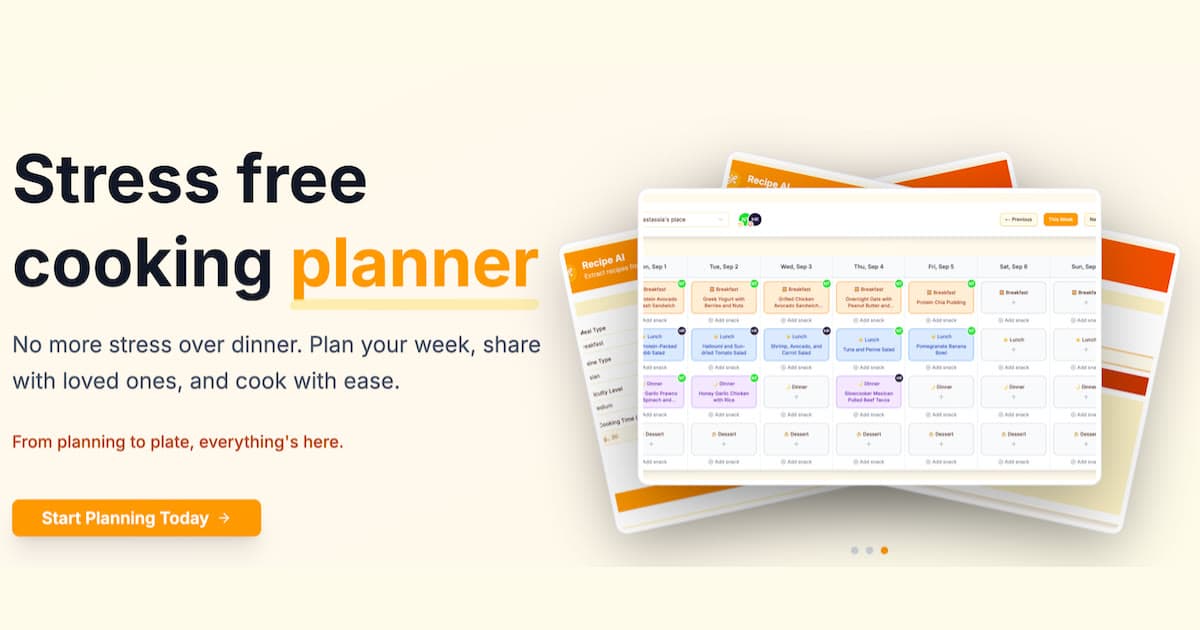
The personalization goes deeper than most apps attempt. Kitchendary supports keto, paleo, Mediterranean, vegetarian, and vegan plans, plus gluten-free and dairy-free approaches, and it can layer in intermittent fasting windows, specific allergen exclusions, and cuisine preferences simultaneously. Tell it you hate cilantro, you're doing 16:8 fasting, and you want high-protein Mediterranean meals — it adapts, no manual workarounds needed.
What makes Kitchendary different
Every recipe comes with portion sizes and a full macronutrient breakdown baked in — calories, protein, carbs, and fat — so there's no separate tracking app required. The nutrition math is done before you even open the recipe. If you're working toward a specific goal like losing 10 lbs or gaining muscle, the plan is calibrated to your actual targets, not a generic template.
The "cook from your fridge" tool is one of those features that sounds gimmicky until you actually use it. You enter what you have on hand, and the AI surfaces meals that use those ingredients first. It dramatically reduces both food waste and the mid-week grocery run. The weekly refresh keeps the plan from getting stale — you're not eating the same rotation for months on end.
The auto-generated grocery list is organized by store section, which sounds minor but saves real time. It also consolidates quantities across recipes, so if three meals call for chicken breast, the list gives you one combined total. No recalculating, no forgetting an ingredient halfway through the week.
For families, the collaborative features let multiple people share the same plan, assign cooking tasks, and contribute meal preferences. It's not just a solo planning tool — it's built to handle actual household dynamics, where everyone has opinions and schedules vary.
Who Kitchendary is best for
Anyone who wants the planning done for them rather than by them. If you've tried other apps and found yourself still spending 45 minutes Sunday afternoon building your week, Kitchendary solves that directly. It's particularly strong for people managing specific fitness goals — the macro precision is genuinely useful for weight loss, cutting, or building muscle — and for households where dietary needs vary across family members.
It also works well for people who are new to structured eating. The AI removes the cognitive load of figuring out what a "balanced week" looks like, which is the part most people quietly give up on. Explore how Kitchendary works and start your plan here.
- Generates a complete 7-day personalized meal plan in under 60 seconds
- Supports 10+ dietary approaches including keto, Mediterranean, vegetarian, vegan, and gluten-free
- Full macro tracking built in — no separate app needed for calories, protein, carbs, and fat
- Auto-generated grocery list organized by store section, with quantities consolidated across recipes
- "Cook from your fridge" tool surfaces meals based on what you already have
- Weekly plan refresh prevents repetition and keeps meals interesting
- Adapts to feedback over time — the longer you use it, the better the suggestions get
- Collaborative features for families and households — share plans, assign tasks, merge preferences
- Works on mobile and web with seamless sync across devices
Cons: It's a newer app, so the recipe library is smaller than legacy platforms like BigOven. A subscription is required to access the full feature set. Pricing details are shown after signup.
2. Mealime
Mealime targets busy professionals who want quick weeknight dinners handled without much thought. Set your dietary preferences and allergies, and you get a weekly plan built from straightforward 30-minute recipes. The grocery list pulls from your selected meals and sorts by aisle, which is genuinely useful.
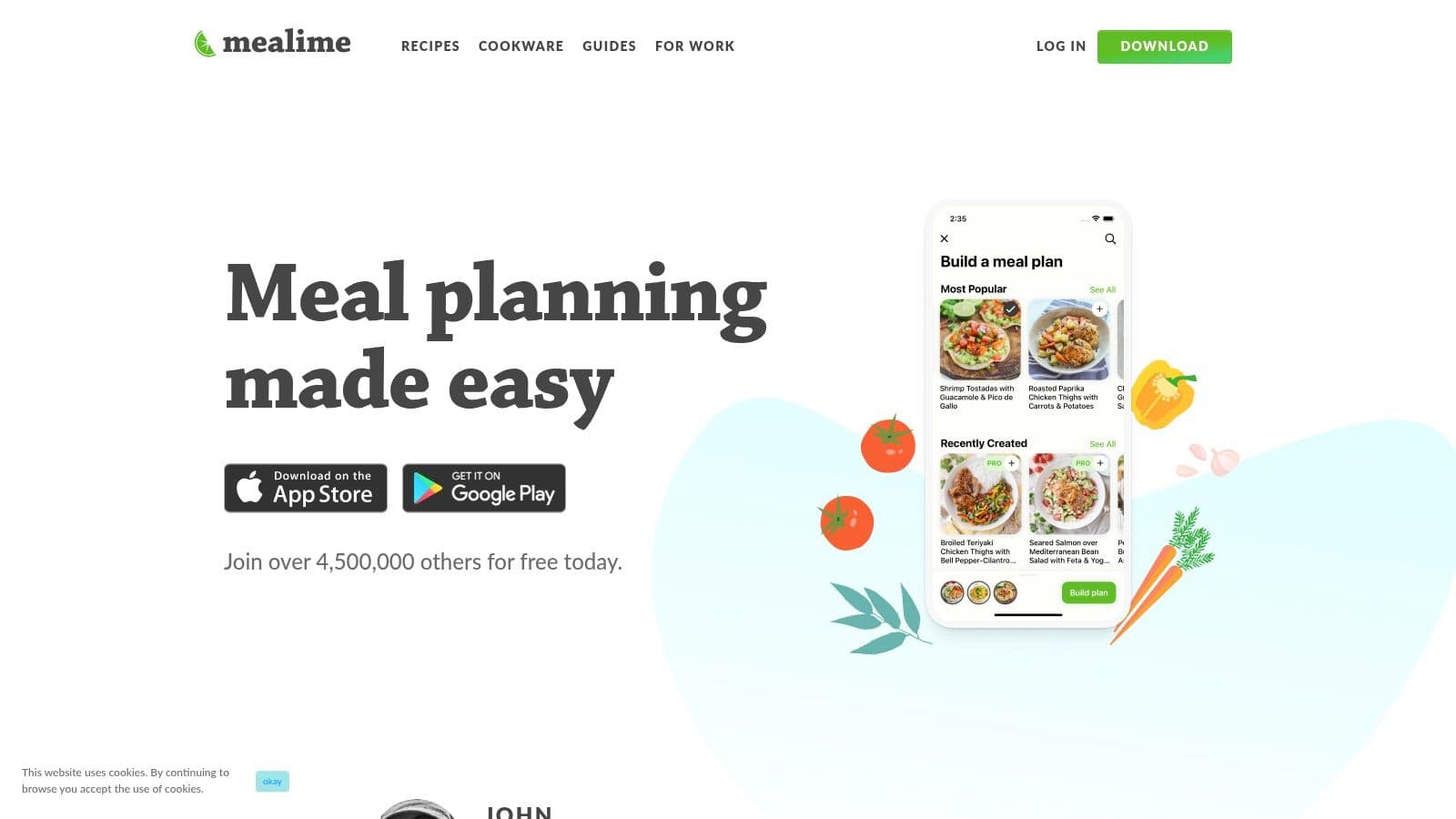
The main limitation is scope. Mealime focuses on weeknight dinners — it doesn't handle full-week planning with breakfasts, lunches, and snacks the way more complete platforms do. Nutritional data and past meal plan access are locked behind the Pro tier.
- Best for: Busy professionals and couples who just need dinner sorted
- Pricing: Free basic version; Pro is $5.99/month or $49.99/year
- Pros: Fast setup, clean grocery list integration, simple recipes
- Cons: Dinner-only focus; no AI personalization beyond preference filtering; nutritional data requires Pro
Bottom line: Mealime handles weeknight dinners efficiently, but if you want a full-week plan that accounts for breakfasts, lunches, and your macro targets, Kitchendary does all of that automatically.
Visit the website: https://www.mealime.com/
3. Paprika Recipe Manager 3
Paprika is a personal digital cookbook, not a meal planning service. It doesn't generate plans or suggest recipes — you build your library by clipping recipes from any website, then drag them into a calendar. The setup works well for dedicated home cooks who want a permanent, organized collection of their own recipes.
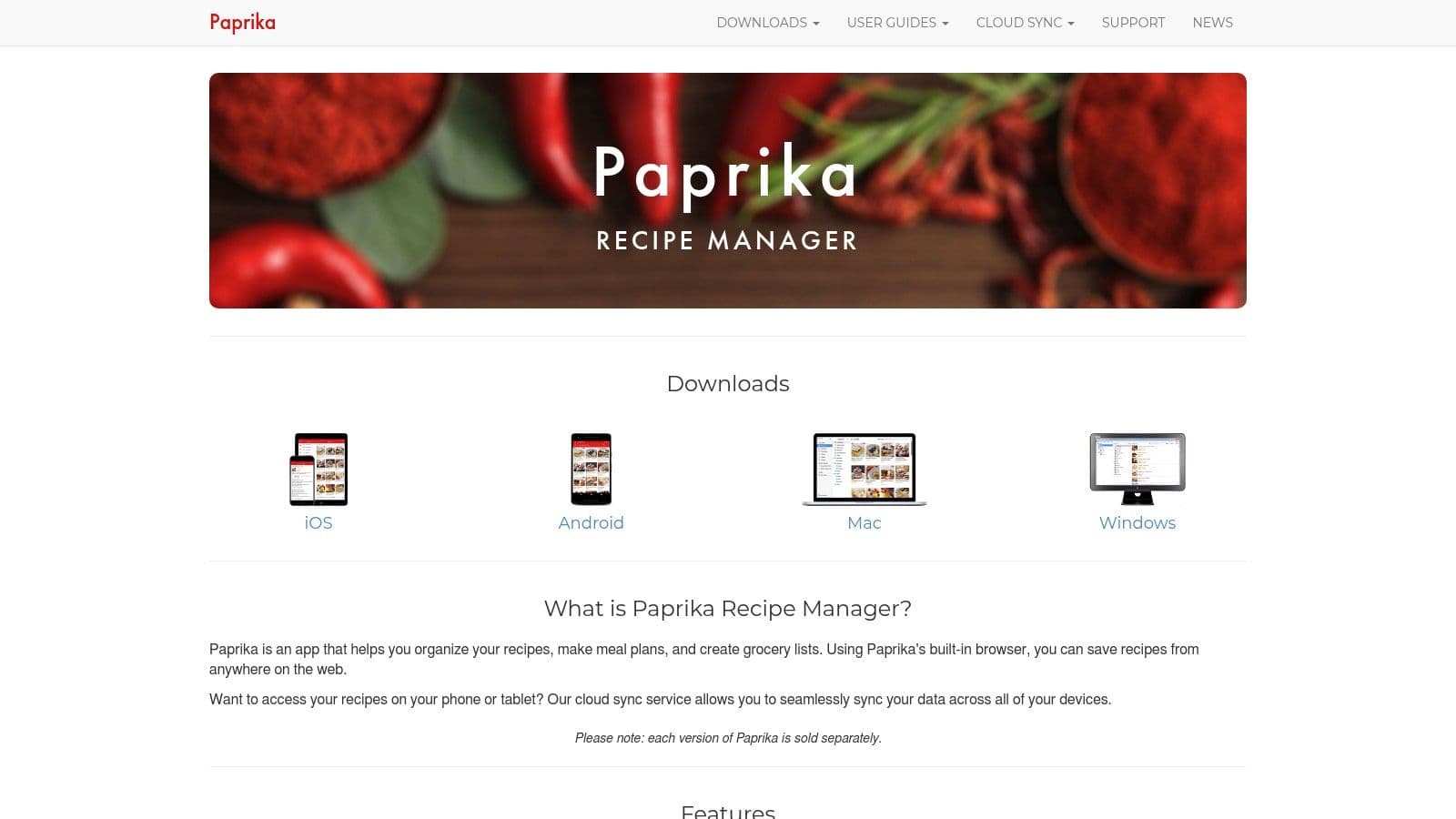
Cloud sync, pantry tracking, automatic timers, and reusable menus are all solid. The one-time purchase model is a real differentiator — no monthly fees. The tradeoff is that you need to build the library yourself before the planning side becomes useful, which takes time.
- Best for: Avid home cooks who want to organize their own recipe collection without a subscription
- Pricing: One-time purchase — iOS: $4.99, macOS: $29.99, Windows: $29.99 (separate per platform)
- Pros: No recurring fees, powerful recipe clipper, reliable and mature app
- Cons: Requires separate purchases per platform; no AI suggestions; you do all the planning manually
Bottom line: Paprika is excellent if you already have a recipe collection and want to organize it. If you want the app to do the planning for you, it won't — that's simply not what it's built for.
Visit the website: https://www.paprikaapp.com/
4. Plan to Eat
Plan to Eat works as a recipe hub with a drag-and-drop planning calendar. Save recipes from any website with a click, schedule them across the week, and the shopping list populates automatically from whatever's on the calendar. It syncs across web and mobile and handles leftovers reasonably well.
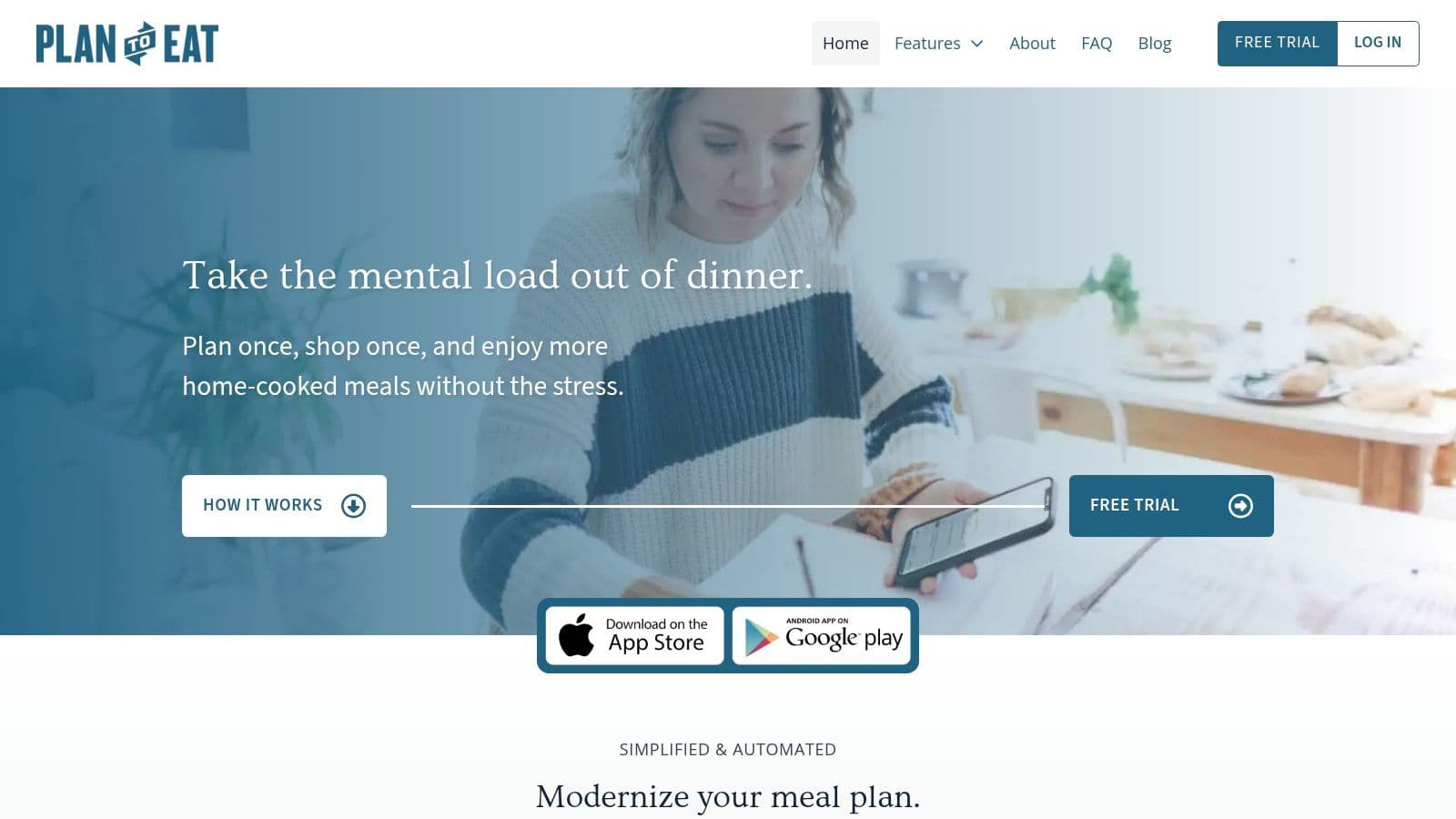
The interface is clean and the pricing is transparent. The catch: every decision is manual. Plan to Eat doesn't suggest what to eat or generate plans based on your goals. You choose, you schedule, you plan.
- Best for: Organized home cooks who prefer direct control over their weekly schedule
- Pricing: Free 14-day trial; $5.95/month or $49/year
- Pros: Excellent recipe importer, flexible calendar, clear pricing
- Cons: Fully manual planning; no AI, no macro tracking; no grocery delivery integration
Bottom line: Plan to Eat is a clean, reliable tool for people who enjoy the planning process itself. If you'd rather the app make those decisions and handle the nutrition math, you'll want something more automated.
Visit the website: https://www.plantoeat.com/
5. eMeals
eMeals is built around grocery convenience. Pick your eating style from over 15 dietitian-curated plan types — Keto, Low-Calorie, Diabetic, Family — and you get seven new recipes each week. The main draw is pushing your shopping list directly to US retailers like Walmart, Kroger, or Instacart for pickup or delivery. The plan-to-cart workflow takes seconds.

The trade-off is personalization. Plans are curated by diet category, not calibrated to your individual macro targets or body composition goals. Nutritional detail is also thinner than apps focused specifically on tracking.
- Best for: US-based families and individuals who prioritize grocery convenience above all else
- Pricing: $59.99/year or $35.94 for 3 months; 14-day free trial available
- Pros: Direct cart export to major retailers, wide plan variety, time-saving grocery integration
- Cons: US-centric; limited nutritional detail; plans aren't personalized to individual goals
Bottom line: eMeals solves the grocery logistics problem well for US users. If you also want the plan itself tailored to your specific calorie and macro targets, that's where it falls short.
Visit the website: https://www.emeals.com/
6. Samsung Food (formerly Whisk) + Food+ subscription
Samsung Food combines AI-driven meal planning with Samsung smart appliance integration. Vision AI can recognize ingredients from photos, generate personalized plans based on your preferences, and send cooking instructions directly to compatible Samsung ovens. If you're in the Samsung ecosystem, that hardware connection is a genuine differentiator.
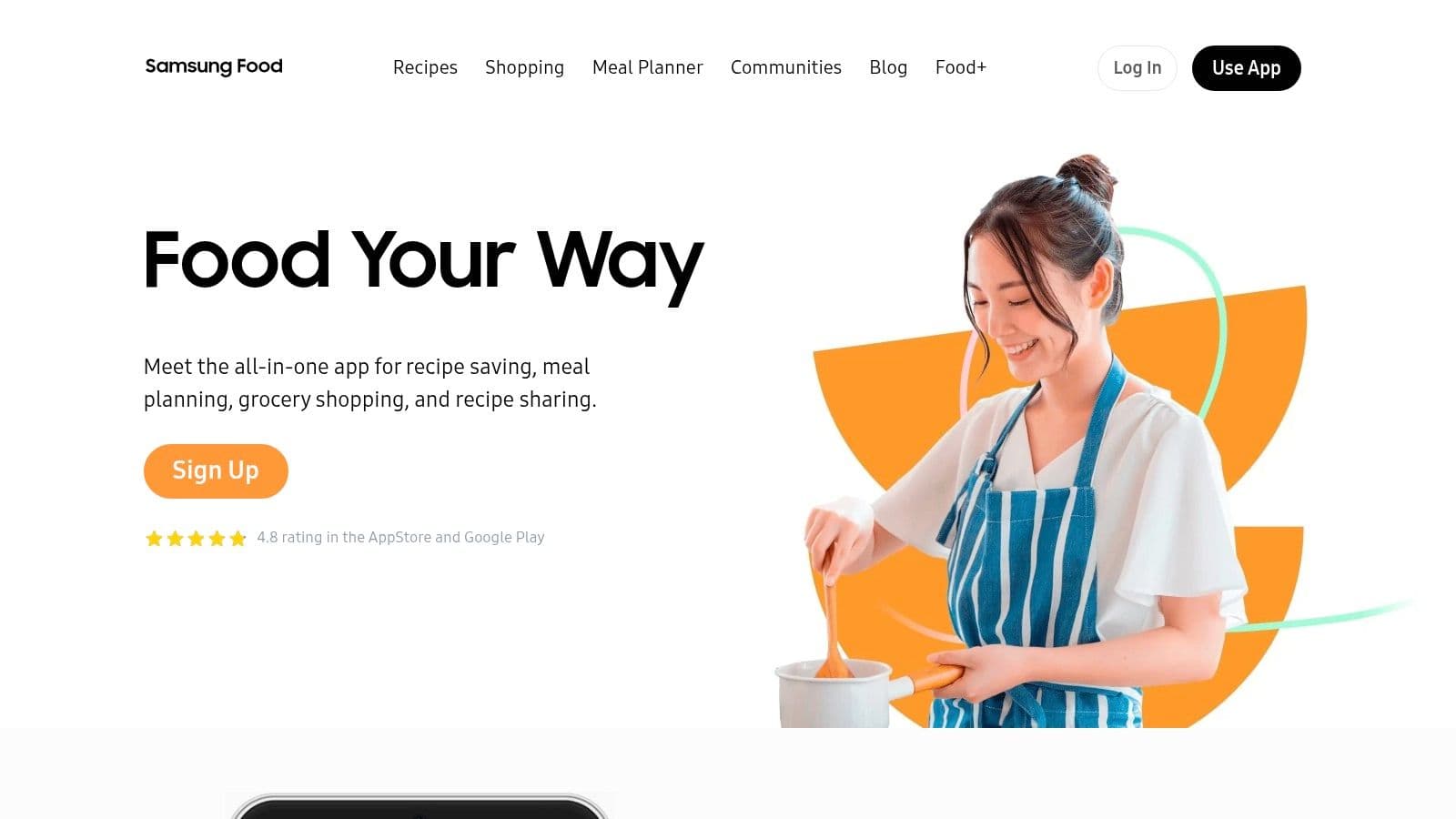
The free tier is solid on its own. The Food+ subscription adds detailed nutritional analysis and removes ads. Smart Cook Mode, the standout feature, requires compatible Samsung appliances to work — which is either a non-issue or the whole problem depending on your kitchen setup.
- Best for: Users with Samsung smart appliances who want AI planning with hardware integration
- Pricing: Free ad-supported version; Food+ is $4.99/month or $39.99/year
- Pros: Strong AI features, robust free tier, smart appliance integration
- Cons: Best features tied to Samsung ecosystem; detailed nutrition requires subscription
Bottom line: An impressive platform if you own Samsung appliances. Without them, it's a capable AI planner with a good free tier, but the signature feature doesn't apply to you.
Visit the website: https://samsungfood.com/
7. Eat This Much
Eat This Much is built for people who plan entirely around numbers. Input your calorie target and macro split — protein, carbs, fat — and it generates a day or week of meals that hit those targets automatically. The corresponding grocery list generates alongside it. No recipe browsing required.
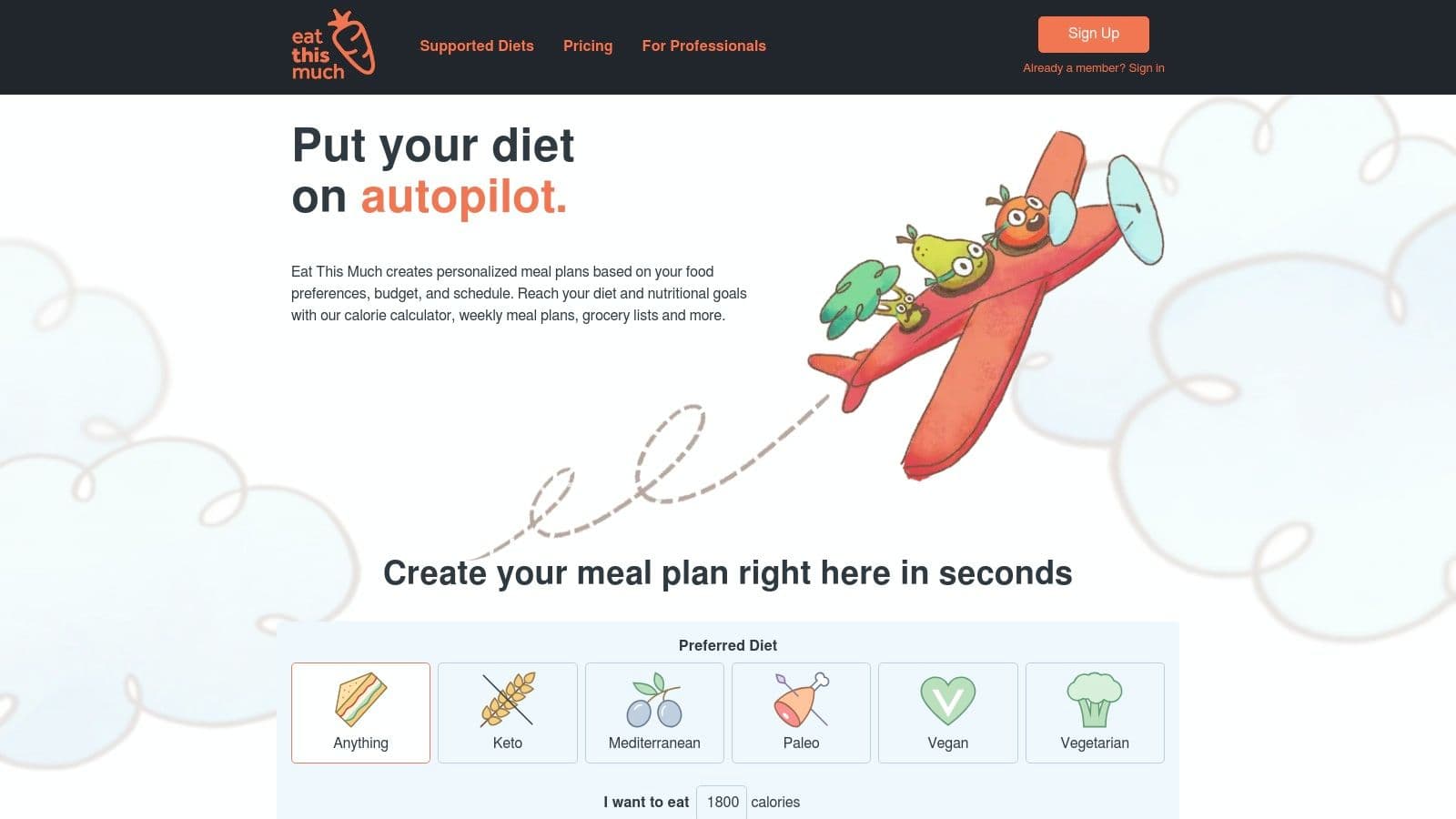
The interface is numeric and functional — heavy on data, light on inspiration. That suits athletes and people who track macros seriously but can feel dry for anyone who also wants variety or cooking enjoyment. Weekly planning, leftover automation, and grocery delivery integration are Premium features.
- Best for: Athletes, bodybuilders, and anyone managing weight with precise macro targets
- Pricing: Free basic generator; Premium is $9/month or $60/year
- Pros: Highly automated macro-based planning, fast workflow, detailed nutritional data
- Cons: Interface prioritizes numbers over cooking inspiration; limited recipe discovery
Bottom line: If pure macro precision is your priority, Eat This Much delivers. If you want macro tracking plus personalized meal variety and a better overall planning experience, Kitchendary covers both.
Visit the website: https://www.eatthismuch.com/
8. SideChef
SideChef pairs a solid recipe database with guided cooking instructions — step-by-step directions with photos, timers, and voice commands. It's a reasonable choice for people who want to improve their cooking while they plan. The platform connects to grocery delivery through Walmart and Amazon Fresh.
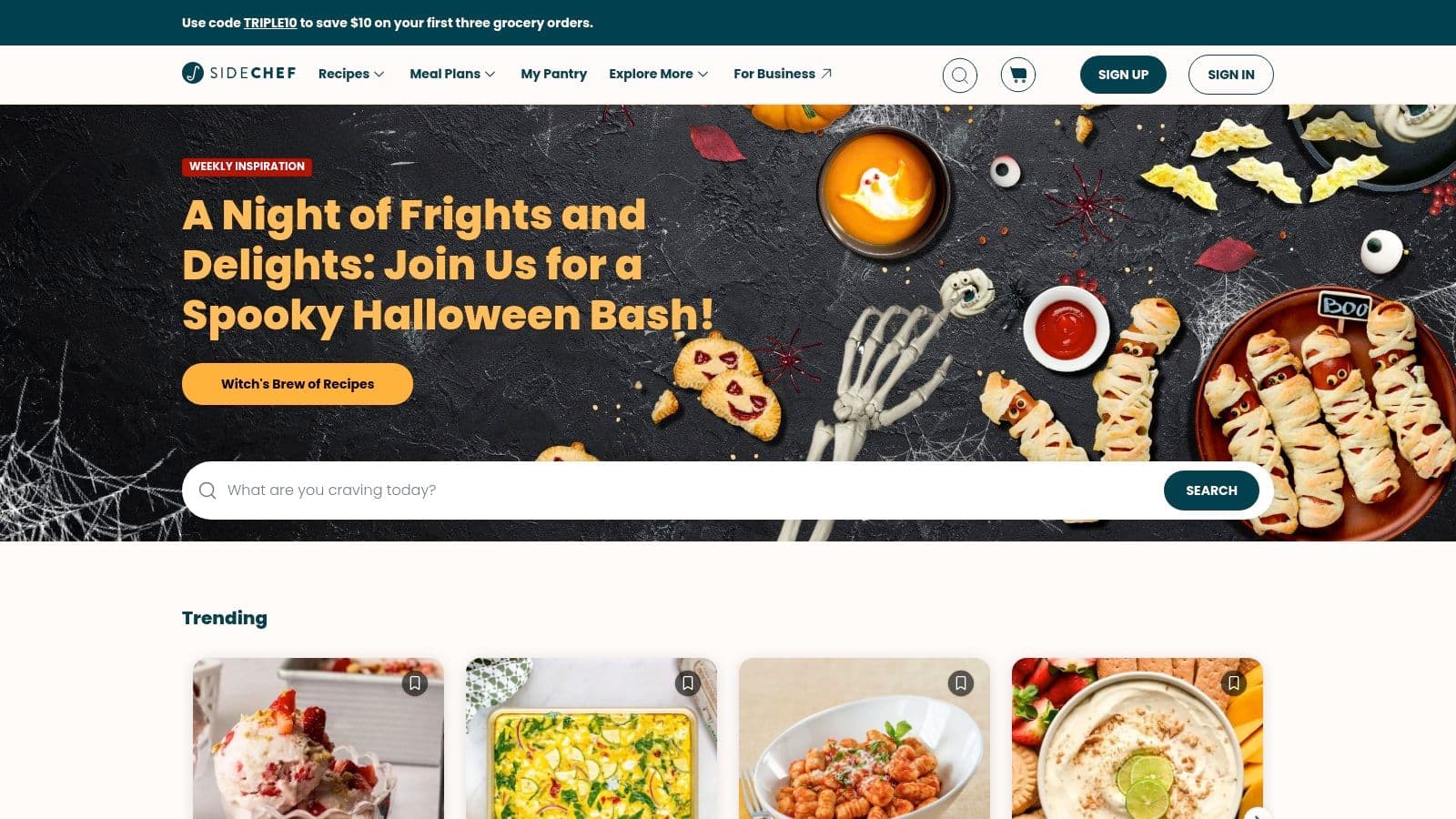
The free version gives access to recipes and a basic planner. Curated weekly plans and cooking classes require Premium. Smart appliance integration adds another layer of convenience for users with compatible hardware, though grocery delivery availability varies by location.
- Best for: Aspiring home cooks who want guided, interactive recipe instructions alongside a meal planner
- Pricing: Free version available; Premium is $4.99/month or $49.99/year
- Pros: Excellent guided recipe experience, free planner option, grocery delivery integration
- Cons: Grocery partner availability varies; curated plans and classes require Premium
Bottom line: SideChef excels at the cooking experience itself. For automated personalized planning based on your dietary goals, it doesn't go that far.
Visit the website: https://www.sidechef.com/
9. BigOven
BigOven has one of the largest recipe databases in this category — over one million recipes from community contributors and professionals. You can save and organize recipes, drop them into a calendar planner, and import new ones from the web or digitize handwritten cards using the RecipeScan tool. It's a reliable, traditional approach to meal planning.
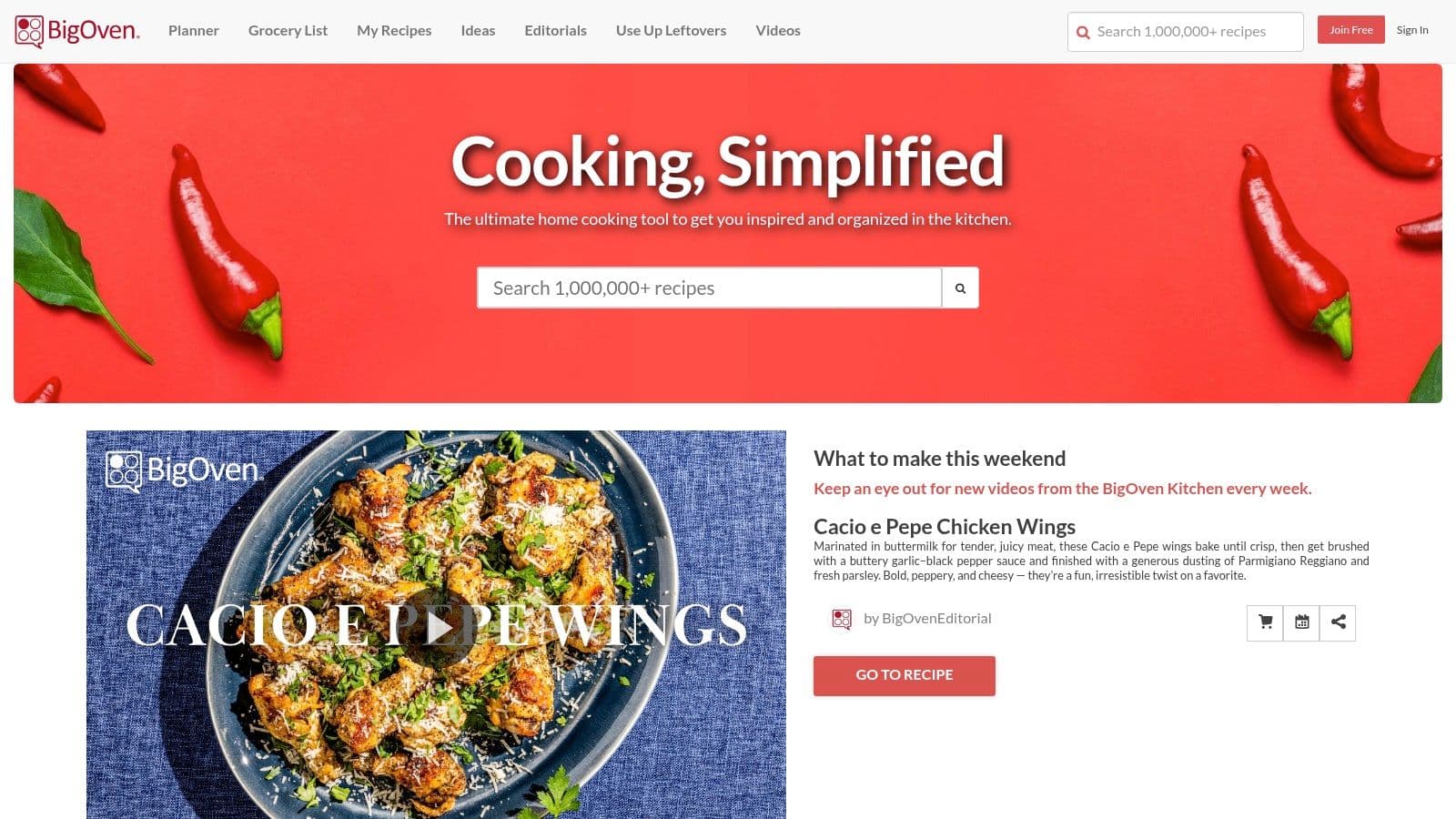
The calendar lets you drag and drop recipes for each meal across the week. Pro adds nutrition information, advanced filters, and removes ads. The interface is more traditional than newer apps, which is either comforting or dated depending on what you're used to.
- Best for: Home cooks who want a massive recipe library and a familiar calendar-style planner
- Pricing: Free basic version; BigOven Pro is $2.99/month or $24.99/year with a 30-day free trial
- Pros: Enormous recipe database, affordable Pro, useful recipe import tools including RecipeScan
- Cons: Interface is less modern than competitors; no AI suggestions; grocery delivery isn't a primary feature
Bottom line: A solid library and a dependable planning calendar. If you want the app to suggest what to eat based on your goals rather than browsing a million recipes yourself, BigOven won't do that.
Visit the website: https://www.bigoven.com/
10. AnyList
AnyList started as a shared grocery list app and added a meal planning calendar with its Complete upgrade. The combination works well for households where multiple people need to see and contribute to the same shopping list in real time. Import recipes from thousands of websites and add all ingredients to the shared list in one tap. The calendar syncs with iCal and Google Calendar.
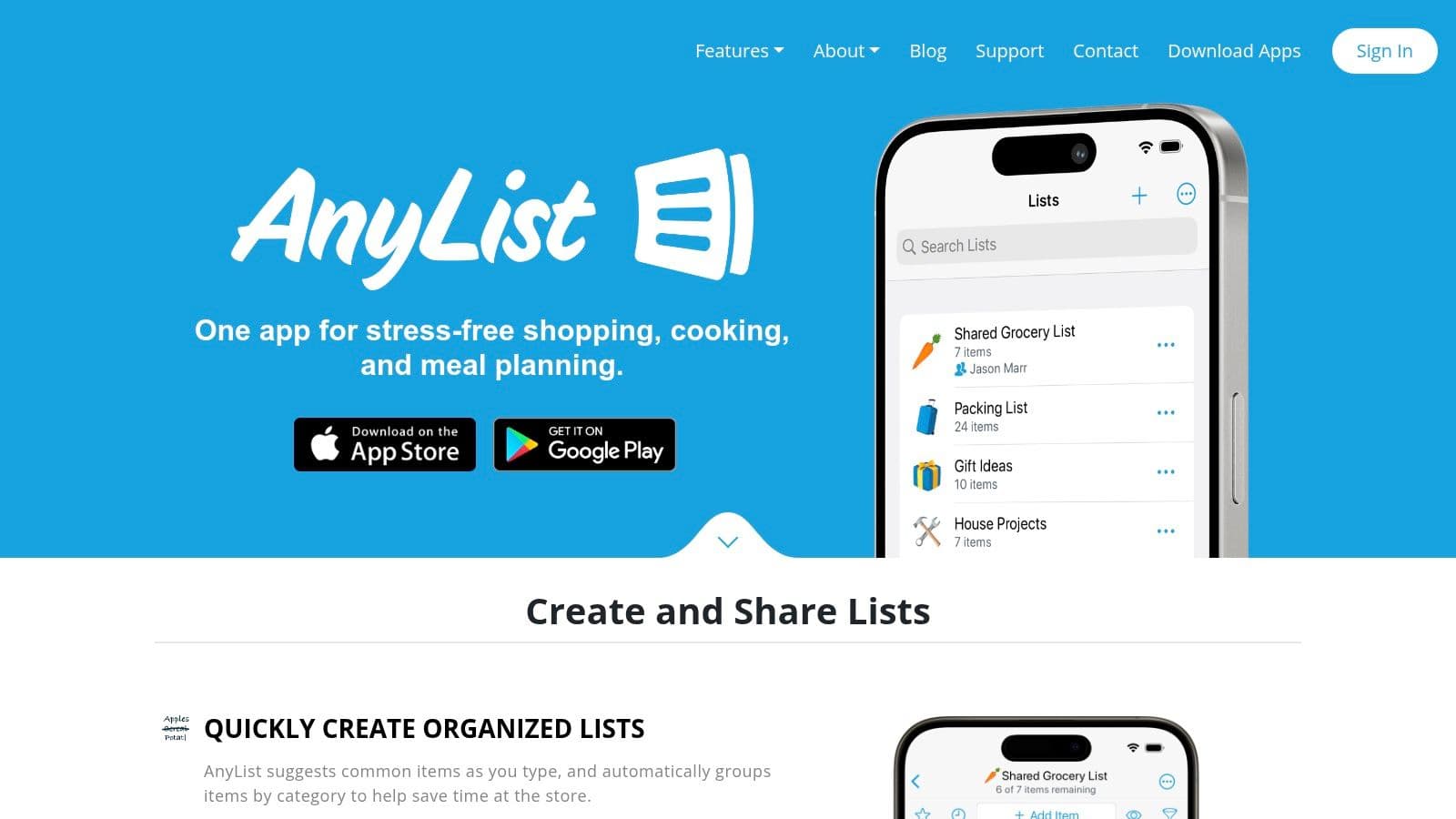
The planning calendar is simple by design — assign recipes to days, generate a list, done. It doesn't generate suggestions or track nutrition. At $14.99/year for a family subscription, it's among the most affordable options on this list.
- Best for: Families and couples who need a shared grocery list with a simple meal calendar attached
- Pricing: Free basic version; AnyList Complete is $9.99/year individual or $14.99/year family
- Pros: Excellent grocery list management, very affordable, easy recipe import and household sharing
- Cons: No AI meal generation, no nutritional tracking, fewer curated meal plans than dedicated apps
Bottom line: AnyList is the best pure grocery-list tool with a meal calendar bolted on. For families that also want personalized meal suggestions and macro tracking, Kitchendary handles the full picture.
Visit the website: https://www.anylist.com/
11. Prepear
Prepear is built around following food bloggers and creators you already like. Organize your own recipes or subscribe to meal plans from content creators, making the planning experience more community-driven than most apps. Import from any website, organize into collections, and drop recipes into a weekly calendar.
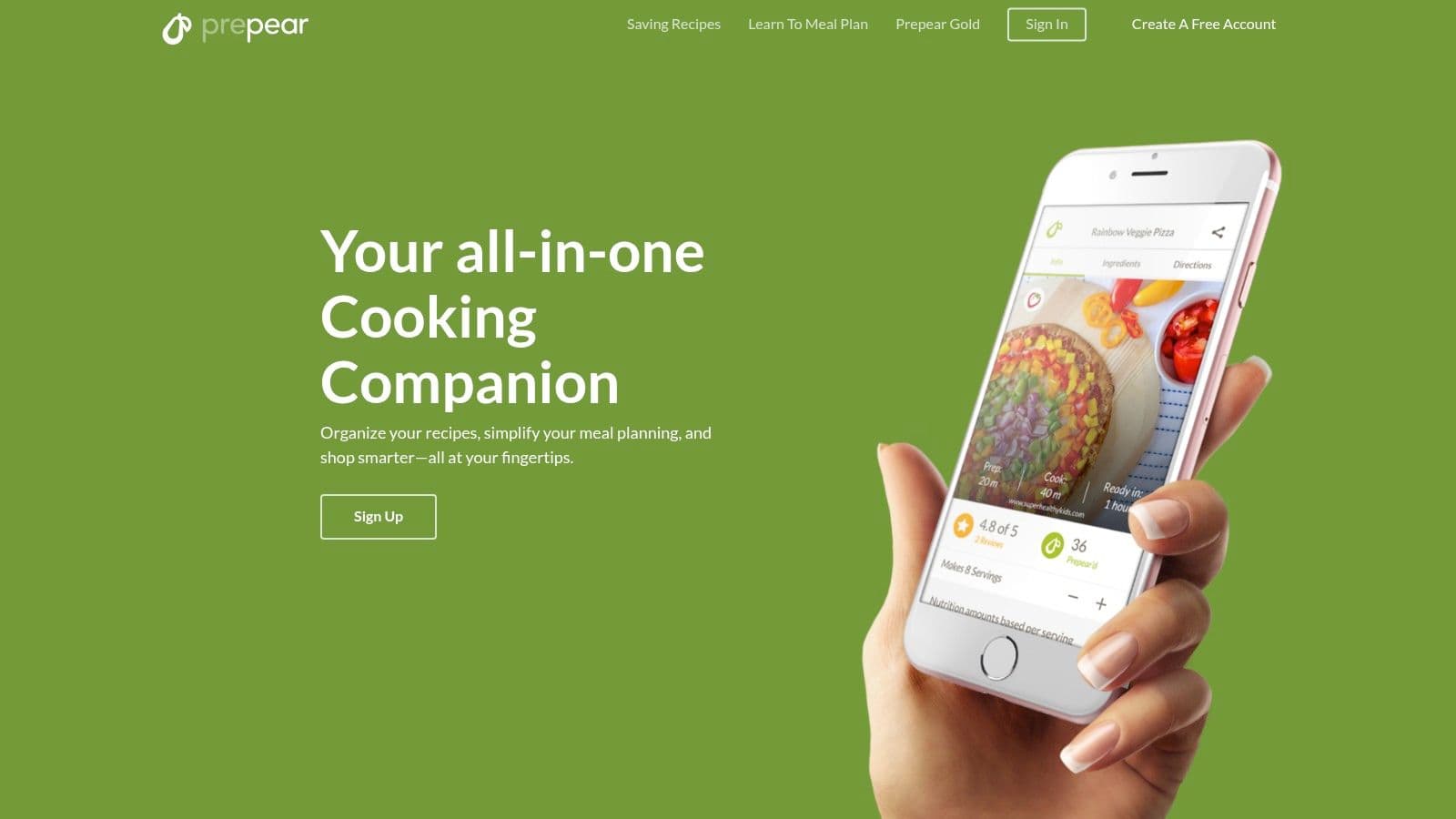
Prepear Gold unlocks premium content from a creator network. That's the upside and the downside simultaneously — what's available depends entirely on who you follow, so content depth varies significantly by user.
- Best for: Foodies who follow food bloggers and want to organize their content into structured plans
- Pricing: Free basic version; Prepear Gold is $9.99/month or $99.99/year
- Pros: Strong creator content integration, customizable and reusable meal plans
- Cons: Content depth depends on which creators you follow; subscription price is on the higher end
Bottom line: Prepear works well if you have a set of creators you're already cooking from. If you want personalized recommendations rather than a curated library, you'd get more from an AI-driven planner.
Visit the website: https://www.prepear.com/
12. Forks Over Knives — Forks Meal Planner
The Forks Meal Planner is built exclusively for whole-food, plant-based (WFPB) eating. An extension of the Forks Over Knives movement, it delivers weekly meal plans curated by chefs and nutritionists with a focus on nutrient-dense, minimally processed foods. Over 3,000 WFPB recipes, filterable by dietary needs and allergies.
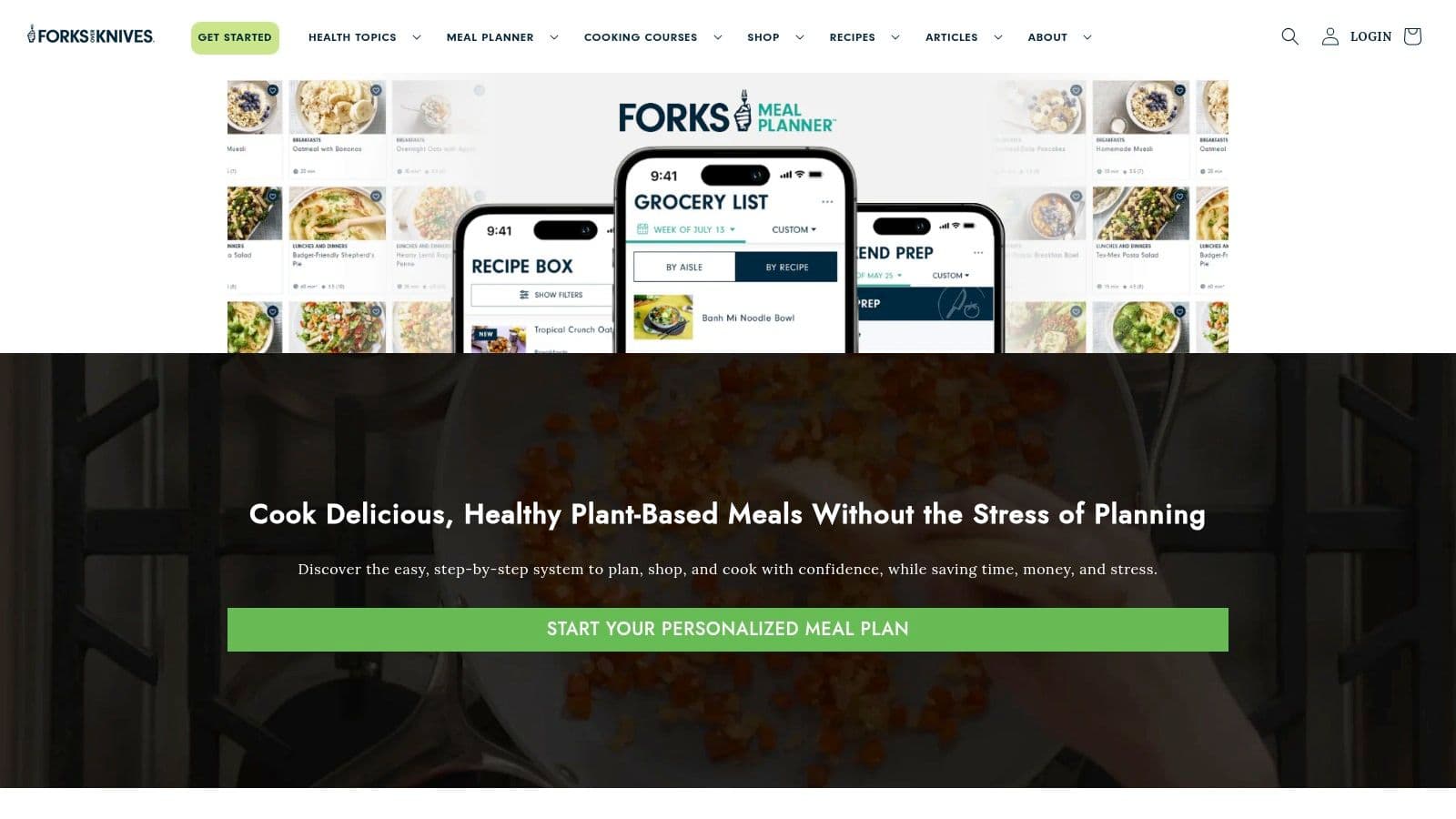
A batch-prep guide comes with each weekly plan, walking you through advance ingredient prep so weekday cooking is faster. Subscribers also get access to a community and live coaching sessions, which distinguishes it from apps that offer recipes alone. The niche focus is both the main strength and the main constraint.
- Best for: Individuals and families committed to a whole-food, plant-based or vegan lifestyle
- Pricing: $19.99/month or $119.99/year; 14-day money-back guarantee for web signups
- Pros: Purpose-built for WFPB eating, excellent batch-prep guidance, live coaching access
- Cons: Niche focus makes it unsuitable for omnivores; higher price point for a specialized tool
Bottom line: The best option for committed WFPB eaters. For anyone who isn't fully plant-based, the app's focus works against you rather than for you.
Visit the website: https://shop.forksoverknives.com/pages/mealplanner-v1
Top 12 meal planning apps: feature comparison (2026)
| Product | Core Features / Highlights | User Experience / Quality ★ | Value & Pricing 💰 | Target Audience 👥 | Unique Selling Points ✨ |
|---|---|---|---|---|---|
| Kitchendary ⭐ Editor's Pick | AI-generated 7-day plans in 60 seconds, macro tracking, auto grocery lists, cook-from-fridge tool, 10+ diet types | 4.8★ / 92% adherence, expert-backed, adaptive AI | Subscription (details upon signup) | Health-conscious individuals, families, athletes, busy professionals | 60-second plan generation, fridge-based cooking suggestions, built-in macro tracking, collaborative household planning, weekly plan refresh |
| Mealime | 30-min recipes, personalized plans, grocery lists | High simplicity, light app | Low monthly Pro price | Busy individuals, couples | Apple Health integration, fast planning |
| Paprika Recipe Manager 3 | Recipe clipper, calendar planner, pantry tracking | Mature, reliable | One-time purchase | Power users, recipe organizers | No subscription fees, multi-device sync |
| Plan to Eat | Drag-and-drop calendar, recipe import, shopping list | Clear interface, manual planning | Clear pricing + 14-day trial | Recipe collectors, DIY planners | Shareable plans, printable lists |
| eMeals | Dietitian menus, grocery cart export | Good US-centric integrations | Subscription | US grocery shoppers | Direct cart export to major retailers |
| Samsung Food + Food+ | AI plans, appliance control, ingredient recognition | Robust free tier + premium ads removed | Subscription (optional premium) | Samsung ecosystem users | Smart Cook Mode, Vision AI ingredient scanning |
| Eat This Much | Macro-based automated plans, adjustable portions | Fast workflow, data-focused | Freemium + subscription options | Athletes, macro trackers | Precise macro customization |
| SideChef | Personalized plans, shoppable lists, cooking classes | Good free tier, affordable premium | Free + premium subscription | Learners, interactive cooks | Voice-guided recipes, smart appliance support |
| BigOven | Huge recipe database, calendar planner | Extensive library, affordable Pro | Freemium + Pro subscription | Recipe hunters, traditional users | RecipeScan, 1M+ recipes |
| AnyList | Drag-and-drop calendar, grocery list management | Highly rated, low-cost premium | Low annual fee | Families, list managers | Household sharing, calendar sync |
| Prepear | Reusable meal plans, creator subscriptions | Creator-focused content depth varies | Gold subscription varies by region | Food blogger followers | Creator meal plans & smart grocery lists |
| Forks Over Knives | Plant-based plans, batch prep, coaching | Competitive pricing, community active | Subscription + money-back guarantee | Vegan / WFPB diet followers | Whole-food focus, live coaching |
How to pick the right app for you
The core question to answer before anything else: do you want an app that does the planning for you, or one that organizes the planning you do yourself? That single distinction narrows this list considerably.
If you want automation — a plan built around your goals without you spending Sunday afternoon scheduling recipes — Kitchendary, Mealime, and Eat This Much are the relevant options. Kitchendary goes furthest: it covers the full week, accounts for macros, handles dietary restrictions, and generates the grocery list automatically. Mealime handles dinners only. Eat This Much is thorough on macros but thin on variety and inspiration.
If you prefer to be in control of every decision, the manual tools — Paprika, Plan to Eat, BigOven, AnyList — give you full flexibility. You build the library, you schedule the meals, you control the output. The tradeoff is time: these apps require consistent effort to stay useful.
- For weight loss or muscle gain goals: Kitchendary (macro precision + full week automation) or Eat This Much (pure macro focus)
- For busy weeknight dinners only: Mealime
- For recipe organization without subscriptions: Paprika
- For US grocery delivery convenience: eMeals
- For Samsung smart kitchen users: Samsung Food
- For family grocery list sharing: AnyList
- For whole-food plant-based eating: Forks Over Knives
- For guided cooking improvement: SideChef
- For following food creator content: Prepear
The case for testing before committing
Nearly every app on this list offers a free trial or a free tier. Use that window to run through the actual workflow — don't just explore the interface. Build a weekly plan, generate a grocery list, try a recipe. That hands-on experience will tell you more than any feature list.
The right app reduces friction rather than adding it. You'll know within a week whether it fits how you actually cook and shop. If you're starting from scratch and want the planning handled for you rather than by you, start with Kitchendary — the 60-second plan generation alone tends to settle the question.