The best meal planning app with a grocery list is Kitchendary. It uses AI to build a personalized 7-day meal plan in under 60 seconds and turns it into a smart grocery list sorted by store aisle. No manual writing, no forgotten items, no duplicate purchases.
Here's what sets it apart from a basic recipe organizer:
- Grocery list auto-generated directly from your weekly plan
- Import any recipe from a website or social media — its ingredients drop straight into your plan and grocery list
- Pantry check before you shop — it only lists what you actually need
- Ingredients sorted by aisle so you move through the store once
- Full diet customization: keto, vegan, gluten-free, weight loss, allergies, and more
- Macro and calorie tracking built in, not bolted on
A good meal planning app isn't about hoarding recipes. It's about killing decision fatigue — the daily grind of figuring out what to eat, what to buy, and whether you already have it.
Why a meal planning app with a grocery list actually works
The "what's for dinner?" question is deceptively exhausting. It's not one decision — it's a chain: pick a recipe, check what you have, figure out what to buy, go to the store, cook it. Do that seven nights a week and you've burned more mental energy than most people realize.
An integrated meal planning app collapses that chain. You plan once, and everything downstream — the shopping list, the store trip, the cooking — flows from that single decision. That's why these apps have gone from niche to mainstream fast. The global meal planning app market hit an estimated $2.5 billion in 2023 and is projected to approach $4 billion by 2028, according to Marketreportanalytics.com.
The plan-to-plate process, simplified
Without an app: brainstorm meals (20 min), cross-reference recipes (15 min), write a grocery list (15 min), realize you forgot something mid-store (priceless). With a good app: pick your week, tap generate, head to the store with a sorted list. That's it.
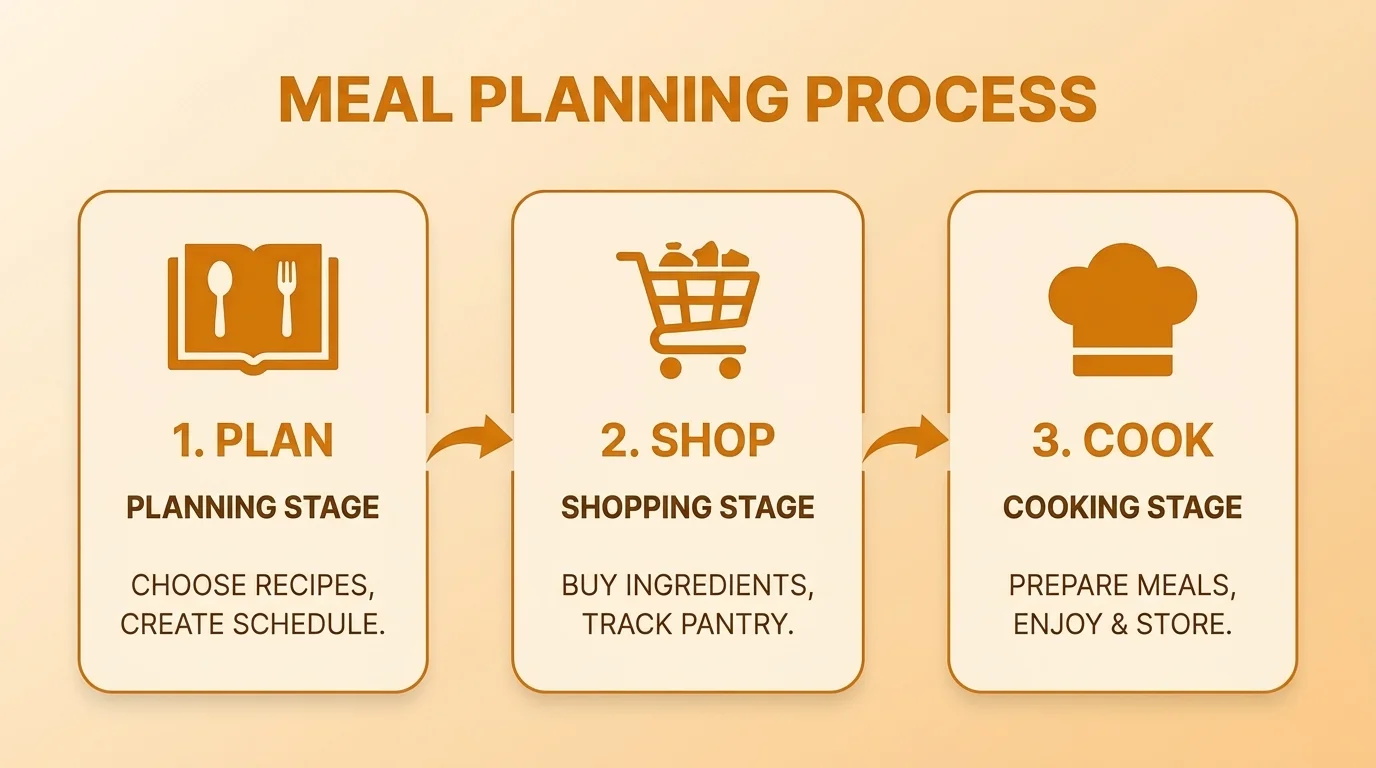
What used to take an hour now takes minutes. More importantly, it takes less mental effort — which means you'll actually do it consistently.
What features actually matter
Not all meal planning apps are equal. Some are just glorified bookmarks for recipes. The ones worth using have a few specific features that make real-world grocery shopping faster and cheaper.
| Feature | What it does | Why it matters |
|---|---|---|
| Auto list generation | Pulls all ingredients from your meal plan into one list instantly | Eliminates manual writing and forgotten items |
| Pantry checking | Lets you mark items you already have before you leave home | No more buying a third jar of cumin |
| Aisle sorting | Groups items by store section: produce, dairy, proteins, etc. | You walk through the store once instead of backtracking |
| Ingredient consolidation | Combines duplicate ingredients across recipes into one total | "3 onions" instead of three separate "1 onion" entries |
| Diet filtering | Excludes ingredients or recipes based on your dietary rules | Safe plans for allergies, intolerances, and eating styles |
These features work because they address the actual friction points — not just the cooking, but the planning and shopping that happen before a single pan hits the stove.
Connecting your meal plan directly to your grocery list removes the mental work of translating recipes into a shopping plan. That connection is what actually reclaims your time.
How to set up your profile for accurate personalization
The AI is only as useful as the information you give it. Spend 5 to 10 minutes on your profile at setup and you'll avoid weeks of swapping out meals that don't fit you.
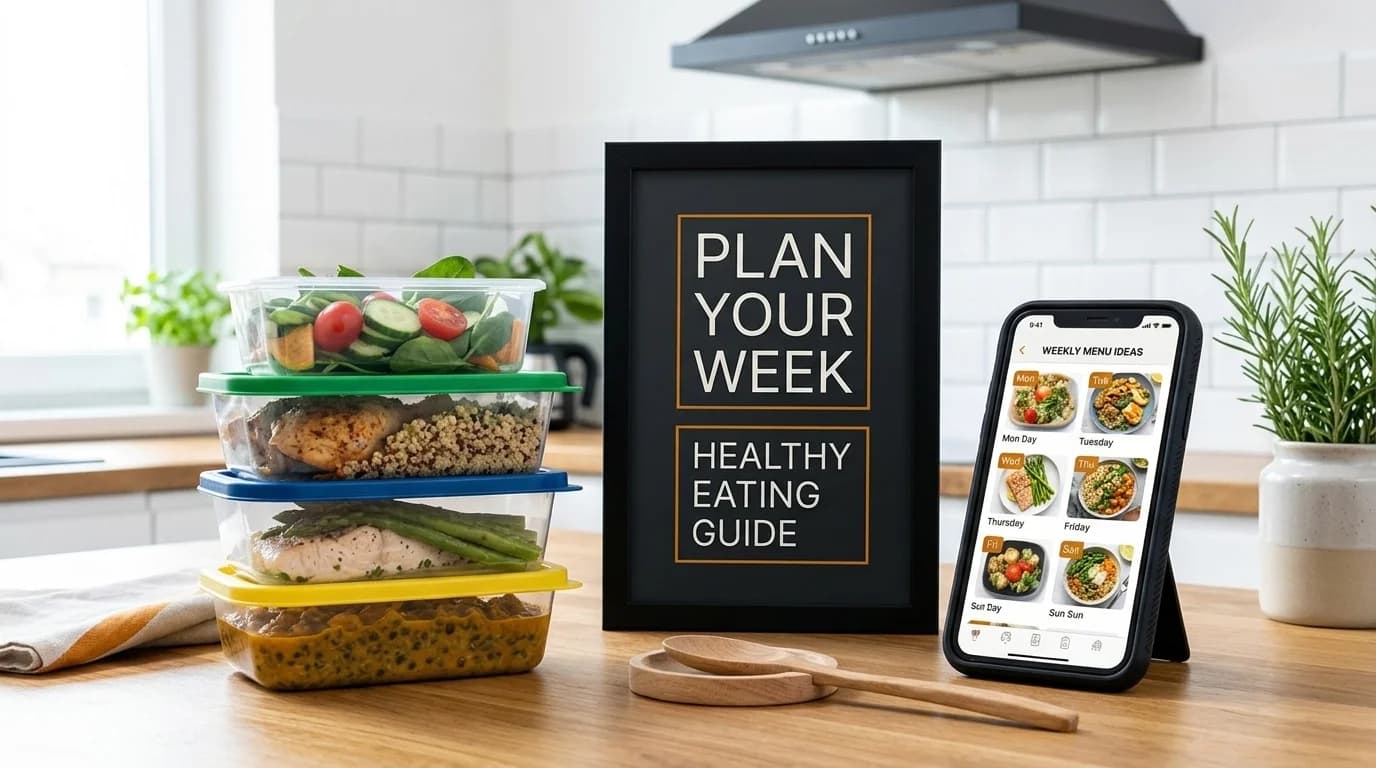
Define your primary health goal
This is the most important input. The AI structures everything around it: calorie targets, macro ratios, meal timing, even the types of recipes it prioritizes.
- Weight loss: the plan builds a sustainable calorie deficit without cutting nutrition short
- Muscle gain: shifts focus to protein-dense meals, often timed around workouts
- Maintenance: balanced macros, steady energy, no extremes in either direction
If you're not sure what your actual calorie needs look like, run your numbers through a TDEE calculator first. It takes 2 minutes and gives the AI a more accurate baseline to work from.
Set your dietary rules and food dislikes
Tell the app what you follow (keto, vegan, paleo, Mediterranean) and what you can't eat (gluten, shellfish, tree nuts). Both are equally important. Allergies keep you safe; food dislikes keep you from dreading your own meals.
The more honest you are during setup, the less tweaking you'll do later. Hate mushrooms? Say so. Can't stand bell peppers? Put it in. The AI remembers everything.
Simple dislikes count too. If mushrooms are going in your meals, you'll find yourself swapping them out every week. Put it in the profile once and you never have to think about it again.
How to generate and adjust your first meal plan
Once your profile is set, generating your first week takes one tap. The AI produces a full 7-day plan — breakfasts, lunches, and dinners — calibrated to your goals. Think of that output as a solid first draft, not a final answer.
How the swap feature works
You'll almost always want to change a few things on the first plan. That's expected. Tap any meal to replace it and the app shows alternatives that still match your calorie target and dietary rules.
Every swap you make is feedback. The AI learns from it. After a few weeks, the plans get noticeably better — fewer things you'd skip, more of what you'd actually choose yourself.
Each swap is a vote. Swap salmon for chicken and you're telling the AI: less fish, more poultry. It compounds quickly.
Adjusting for real life
Plans break down if they don't account for how your week actually runs. A few adjustments make the difference between a plan you follow and one you abandon by Wednesday.
- Scale serving sizes — cooking for four or just for yourself changes the grocery list significantly
- Plan intentional leftovers — double the servings on a Sunday dinner and you've got Tuesday lunch covered without any extra cooking
- Look for ingredient overlap — if you're buying a bag of spinach for Monday, find another recipe that uses the rest before it wilts
For nights when planning ahead feels impossible, the meal from fridge tool lets you type in what you have on hand and get recipe suggestions built around those exact ingredients.
How to use the smart grocery list effectively
The grocery list isn't just a printout of ingredients. It's a consolidated, pantry-aware, aisle-sorted document that makes the store trip as fast as possible.
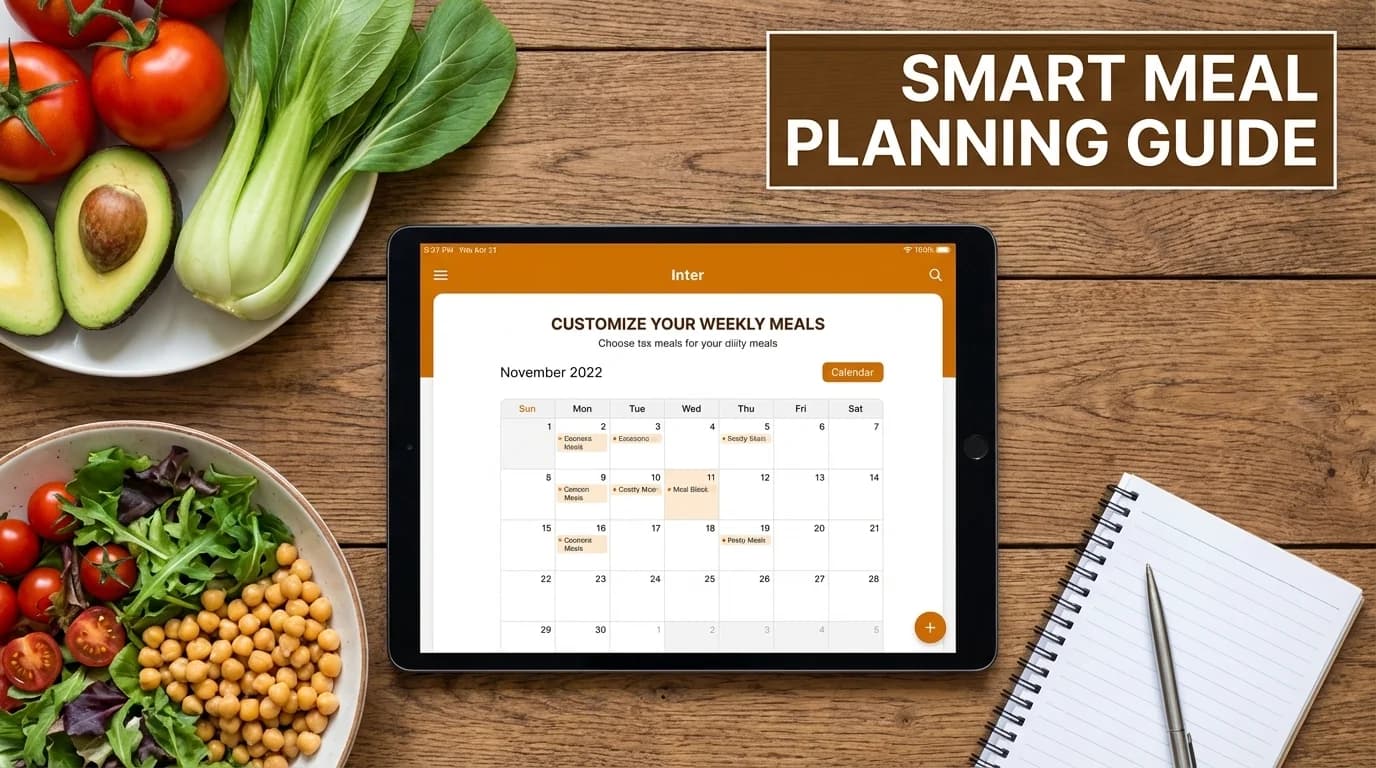
Check your pantry before you leave home
Open the list before you grab your keys. Check off anything you already have — olive oil, spices, that half-used can of chickpeas in the back of the cupboard. Takes under five minutes. Saves you from buying things you don't need and coming home to find you already had them.
This is the single fastest way to cut your grocery bill with a meal planning app. You only buy what's genuinely missing.
Aisle sorting at the store
Once you're at the store, items are grouped by section. You move through once instead of backtracking:
- Produce: all fruit and vegetables together
- Dairy and refrigerated: milk, eggs, yogurt, cheese in one section
- Pantry: grains, canned goods, spices organized together
- Proteins: meat, poultry, fish in their own block
The practical difference is real. Less time wandering means less time for impulse buys. Most people report their store trips get 15–20 minutes shorter once they start shopping from an aisle-sorted list.
Smart grocery list vs. traditional shopping
| Step | Traditional method | App-generated list |
|---|---|---|
| List creation | Manual, from memory — items get missed | Auto-generated from your meal plan, nothing forgotten |
| Pantry check | A mental scan; you buy duplicates of spices constantly | Tap to check off what you have before leaving |
| In-store navigation | Back and forth across aisles, easily distracted | Section by section, one pass through the store |
| Finding items | Scanning a messy list repeatedly | Everything sorted by category, easy to scan |
| Checkout | Extra items picked up along the way inflate the bill | Only what you need, faster checkout |
Ingredient overlap and food waste
A well-designed meal plan reuses ingredients across multiple meals. Roast a whole chicken on Monday and the leftover meat shows up in a chicken salad on Wednesday or tacos on Friday. You buy it once, use it fully.
This matters because food waste is expensive at the household level. Families without a structured plan discard up to 20% more food than those who plan ahead. Users who plan with an app typically report cutting waste by 25–30%. Over a month, that's real money — often $40 to $60 back in your pocket.
Global food waste runs to about 1.3 billion tons per year, and a meaningful share of that happens at home, in the back of the fridge. Planning with ingredient overlap is one of the simplest ways to push back on that.
A typical week using Kitchendary
Here's what a Monday-to-Sunday routine actually looks like once the habit is set:
- Sunday evening (10 min): Open the app, review the AI-generated plan for the week, swap out anything that doesn't appeal, confirm the grocery list, check the pantry
- Sunday or Monday (grocery run, ~30 min): Shop from the aisle-sorted list — in and out faster than before
- Monday through Friday: Cook from the plan, log meals if you're tracking macros, swap a meal on the fly if plans change
- Friday or Saturday: Use up remaining fresh ingredients with the fridge tool to avoid waste before the next week starts
That Sunday session is the whole system. Everything else runs from it. Most people say it takes 2–3 weeks before it feels automatic.
How to track progress and stay consistent
A plan is worthless if you drop it by week two. The feature set that keeps people consistent isn't fancy — it's mostly feedback and flexibility.
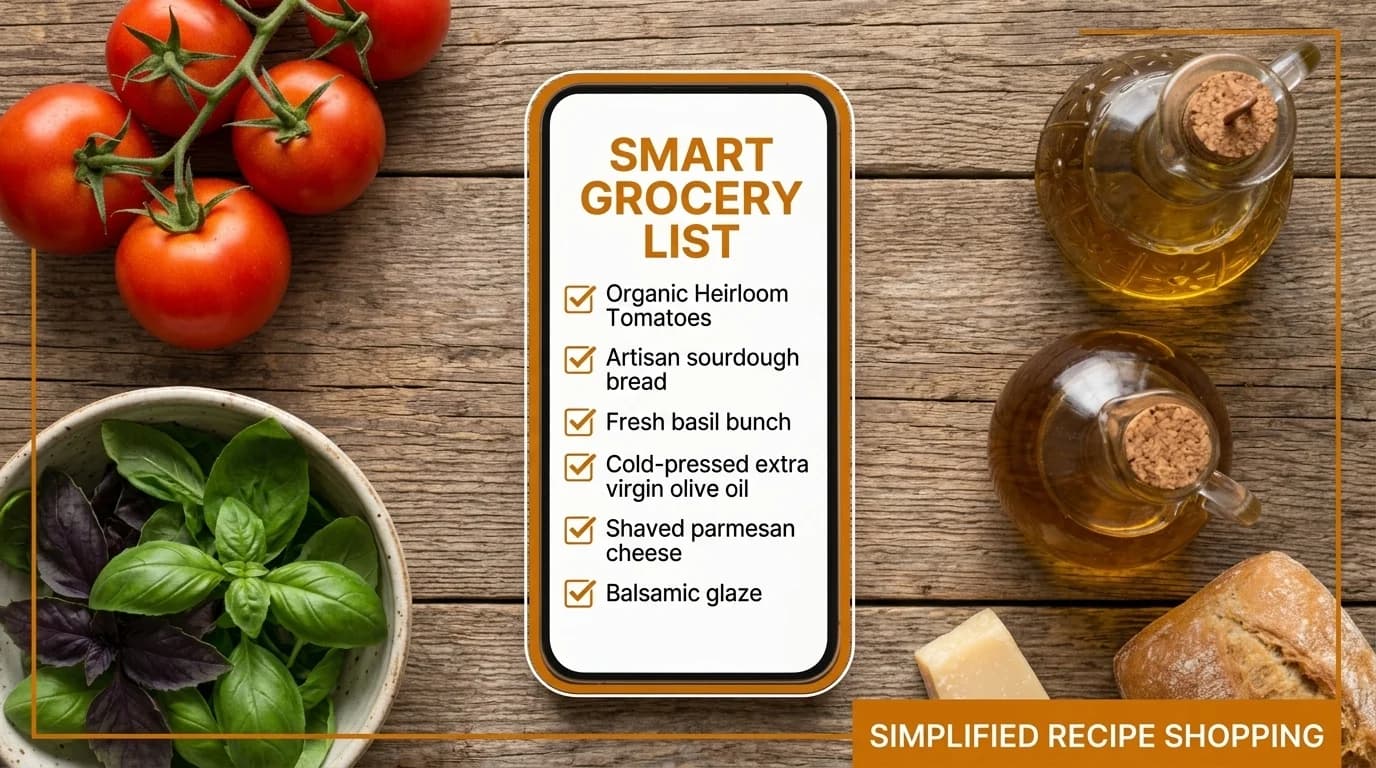
Using macro data to hit your goals
For anyone with a specific goal — weight loss, muscle gain, performance — vague intentions don't cut it. You need numbers. An app that automatically tracks calories and macros turns "I think I'm eating enough protein" into "I'm at 148g today, I need 12 more."
The current evidence-based recommendation for muscle protein synthesis sits at 1.6–2.2 grams of protein per kilogram of body weight per day. Hitting that consistently without tracking is genuinely difficult. With macro tracking built into your meal plan, it's automatic.
If you want to verify your specific targets, the calorie and macro calculator lets you input your stats and goal to get precise daily numbers.
When you can see your macros in real numbers — not estimates — you stop guessing. That shift from hoping to knowing is where actual progress starts.
Three habits that keep people consistent
Based on how people actually use meal planning apps long-term, a few simple habits separate the people who stick with it from those who quit after a month:
- Weekly check-in on Sunday: 10–15 minutes to review and adjust the coming week. People who skip this step tend to abandon the plan by midweek when something unexpected comes up.
- Plan one free meal per week: build it into the plan intentionally. A planned restaurant dinner or takeout night isn't a failure — it's part of the system. Treating it as such removes guilt and keeps motivation intact.
- Start small: week one, just plan dinners. Week two, add lunches. Week three, full week. Trying to overhaul everything at once is the fastest route to quitting.
The goal isn't perfection. It's reducing the number of nights you default to expensive takeout or eat something you didn't really want because you didn't plan. Even four planned dinners a week is a meaningful improvement over zero.
Ready to try it? Start your personalized plan and have your first week ready in under 60 seconds.
FAQ
How much time does a meal planning app actually save?
Most users report saving 3 to 5 hours per week once the habit is established — primarily from eliminating manual planning, cutting the grocery trip short, and reducing weeknight decision-making.
Can the app handle keto, multiple allergies, or very specific diets?
Yes. AI-powered apps like Kitchendary handle stacked dietary rules — keto plus gluten-free, vegan plus nut allergy — without you needing to manually filter anything. Set it once in your profile and it applies everywhere.
Will the meals get repetitive over time?
A good app learns from your swaps and has a large enough recipe database that repetition isn't an issue within the first few months. If you do want something specific, you can also import recipes from any website or social media using the recipe parser.
How does meal planning reduce food waste?
The app generates a precise list, checks your pantry, and plans meals with overlapping ingredients. You buy exactly what you need and use it across multiple meals instead of letting half a head of cabbage go bad in the fridge.
How hard is it to get started?
Setup takes about 5–10 minutes to answer questions about your goals, diet, and preferences. Your first plan generates immediately after that. There's no learning curve for the basic workflow.
Can I scale recipes for my family or batch cooking?
Yes — serving sizes scale up or down with a single input, and the grocery list adjusts automatically. If you're cooking for four or prepping double batches for the week, the math is handled for you.
What's the best way to start meal planning if I've never done it before?
Start with just dinners for week one. Set up your Kitchendary profile, generate a plan, let the grocery list do the work. Once that feels easy, layer in lunches and breakfasts.